Core Concepts
Forge and Salesforce
Understanding how Forge and Salesforce work together is the most important idea in this guide. Everything else builds on it: Salesforce is where your data lives, and Forge is the planner interface on top of it.
Salesforce is the system of record
Every event, ticket, attendee, session, form and payment record exists in Salesforce. When you change something in Forge, Forge writes it to Salesforce through your own Salesforce login. When someone registers on a public page, the registration is written to Salesforce too. If you stopped using Forge, your data would still be in your org.
Forge surfaces data from three Blackthorn managed packages: Events (conference360__), Payments (bt_stripe__) and Base (bt_base__). Each installs its own objects, fields, permission sets and Apex code. Forge presents them as one interface.
What Forge keeps, and for how long
| Kind of data | Where it lives | What it means for you |
|---|---|---|
| Records such as events, sessions, tickets, orders, transactions, speakers, sponsors, forms | Salesforce. Forge also keeps a synced working copy of non-personal fields so lists load fast. | Lists show Synced N minutes ago and a Refresh now link. Salesforce is always the source of truth. |
| Names, emails, phone numbers and postal addresses | Salesforce only. Forge reads them when needed and holds them briefly in an encrypted short-term cache (about 2 hours for attendee display names), never in its database. | Edits made directly in Salesforce can take up to that long to show on cached lists. Use the refresh control to fetch fresh data. |
| Audience members | Only Salesforce record references and a cached count. | Names and emails are read live when you preview or send. |
| Form answers | Written straight to Salesforce, either on the Form Submission record or on a mapped field. | Forge cannot show historical answers from its own storage. |
| Card numbers and bank details | The payment gateway only. | Neither Forge nor Salesforce stores raw card data. |
| Sign-in | A sealed refresh token in Forge's database and short-lived access tokens in a cache. Your Salesforce password is never stored. | If the Connected App authorization is revoked you are asked to sign in again. |
How fresh is what I see?
| Surface | How it stays current | What to do if it looks old |
|---|---|---|
| Lists (Events, Audiences and so on) | A background sync refreshes frequently used record types about every 5 minutes, other record types about every 10 minutes, and everything on a 6-hour sweep. It also runs when users sign in. | Choose Refresh now beside the Synced label. |
| Home and Reports numbers | A stored snapshot, refreshed in the background when it is more than 10 minutes old. | Choose Refresh from Salesforce on Reports, or Refresh on Home. |
| The event you are editing | Reads and writes go to Salesforce directly. | Reload the page if someone else may have changed it. |
| Metadata (field definitions, layouts) | Cached to save Salesforce API calls. | After changing Salesforce fields or layouts, use Admin > Salesforce Caching to refresh layouts and setup objects. |
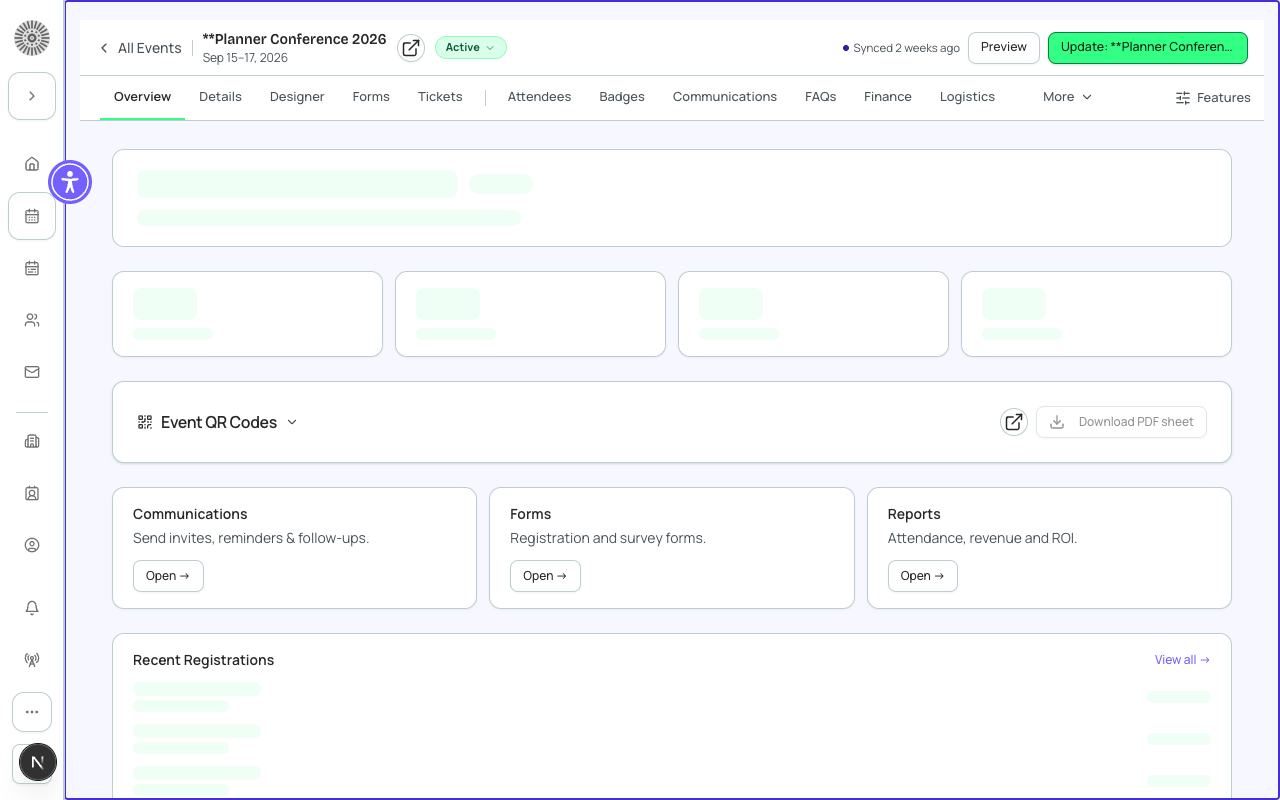
Changes flow both ways
You can edit records in Forge or in Salesforce. Forge writes to Salesforce immediately, so a Forge change appears in Salesforce at once. Changes made in Salesforce (by a person, a Flow, a trigger or an import) appear in Forge after the next sync, as described above. For payments, donations and auctions, writes go through a durable queue so none are lost if Salesforce is briefly unavailable; Admin > Salesforce Writes shows the queue.
If Salesforce is unavailable, Forge shows its last saved copy with the banner Salesforce is temporarily unavailable. Showing cached data. Editing is paused. Nothing you viewed is lost; retry when the banner clears.
Permissions come from Salesforce
Every request Forge makes to Salesforce uses the signed-in person's own access. Object permissions, field-level security and sharing rules apply exactly as in Salesforce: a field hidden from someone there is hidden from them here. Forge roles (Admin, Planner, Custom) decide which Forge pages someone can open, on top of that. See Permissions and Roles & Access.
Salesforce automations still run
Triggers, flows and validation rules on conference360__ objects run as normal when Forge saves a record. Forge does not bypass them. If a validation rule refuses a save, Forge shows Salesforce's message.
Unexpected save errors usually come from a custom validation rule or a required field on the Salesforce object. Ask your Salesforce admin to check the rule, and use Admin > Logs to find the failing request.
Deep links to Salesforce
Most record rows and detail pages have a Salesforce link icon that opens the same record in Salesforce in a new tab. Use it when you need a Salesforce report, a related list Forge does not show, or to confirm what was written.
Production safety
- Deleting a record in Forge deletes the Salesforce record; Salesforce keeps it in the Recycle Bin for 15 days for an admin to restore.
- In a production org an admin may keep deletes switched off (Allow deletes in this production org). Delete is then disabled and says why.
- Background sync pauses at 50 percent of your org's daily Salesforce API limit, and an admin chooses how far back the first sync reaches, so very busy orgs may see slower refresh.